


This collection of illustrations, featuring our campus’s most iconic characters and locations, is the work of renowned artist (and UC Davis alum) Steven Noble, whose distinctive work can be found on the packaging and promotions of many of the world’s most recognizable brands.
Download
These drawings are available for download (and also available as shared assets within the UC Davis Canva for Enterprise design platform). They are intended to enhance communications and reflect the UC Davis brand. They are not to be used in place of unit signatures, nor are they to be connected to signatures to appear as part of a unit mark.
Getting your own custom illustrations
Units may not procure illustrations on their own, but may request illustrations to be made by contacting Russ Thebaud, Creative Manager in Strategic Communications.
Three Sets: Standard, Inverted and Color
The Branding Illustrations library is divided into three folders based on the ways they should be used.
Standard
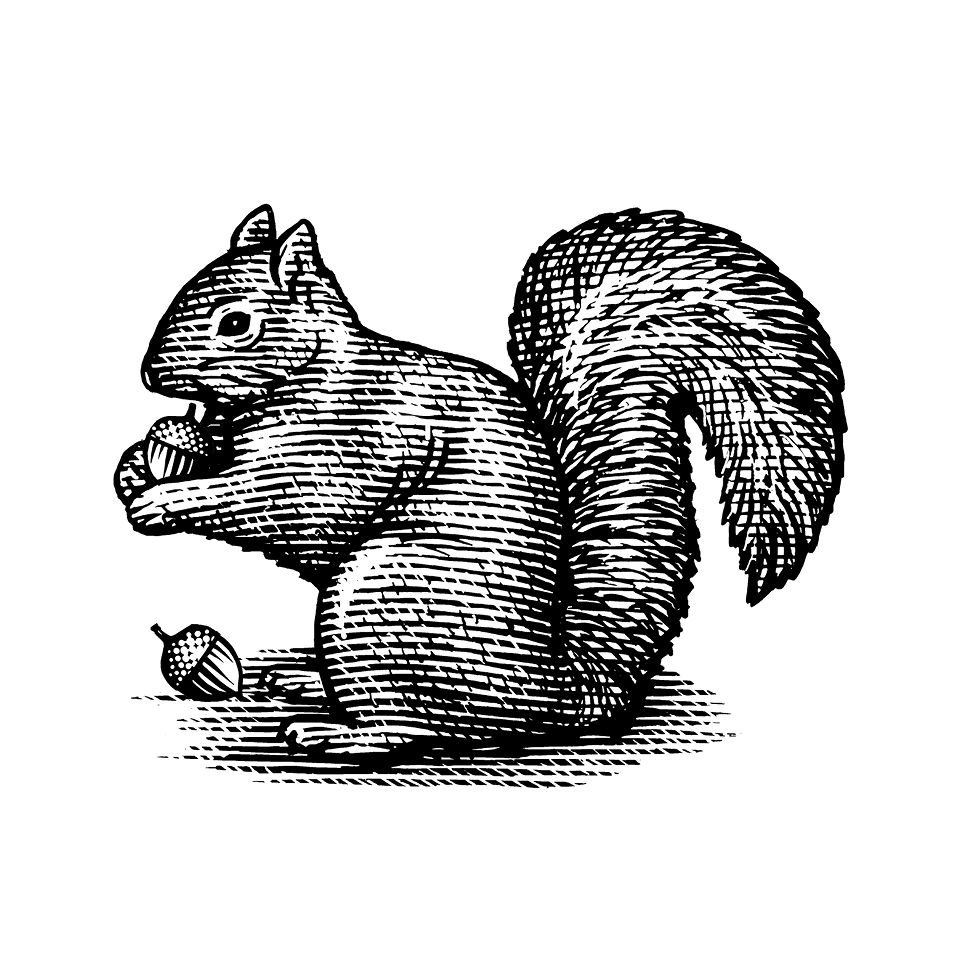
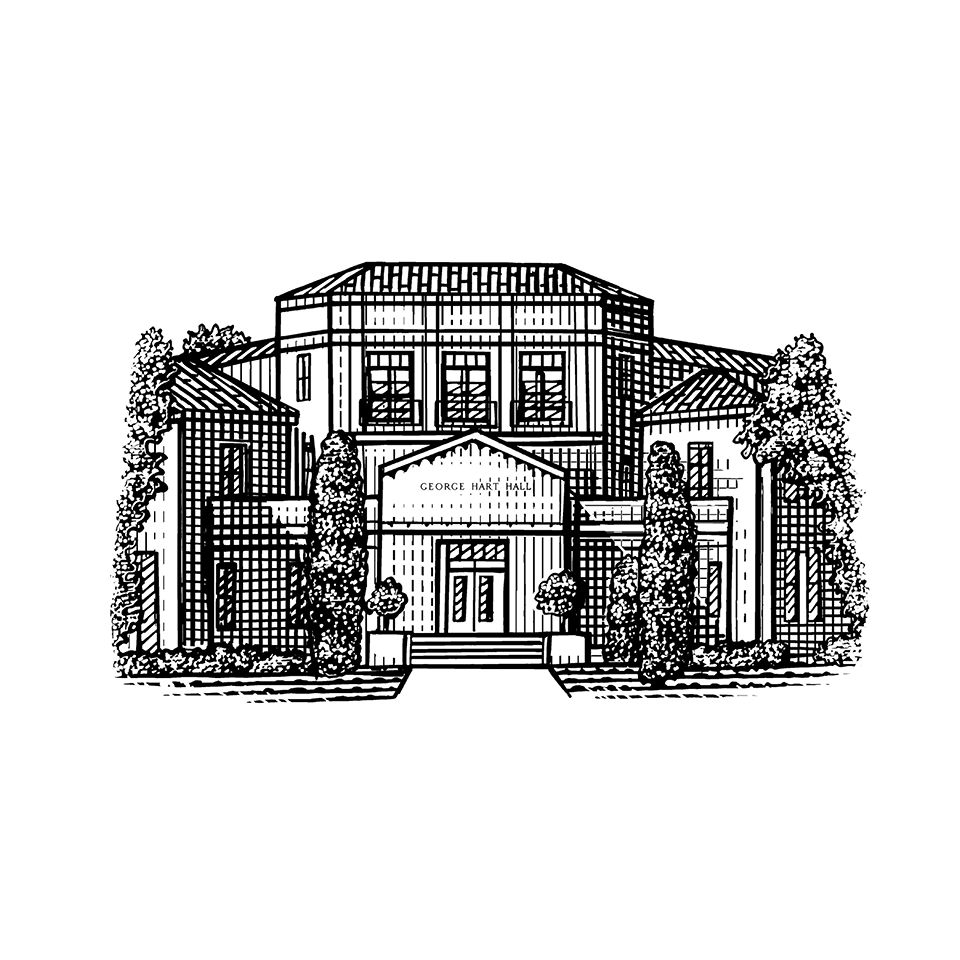
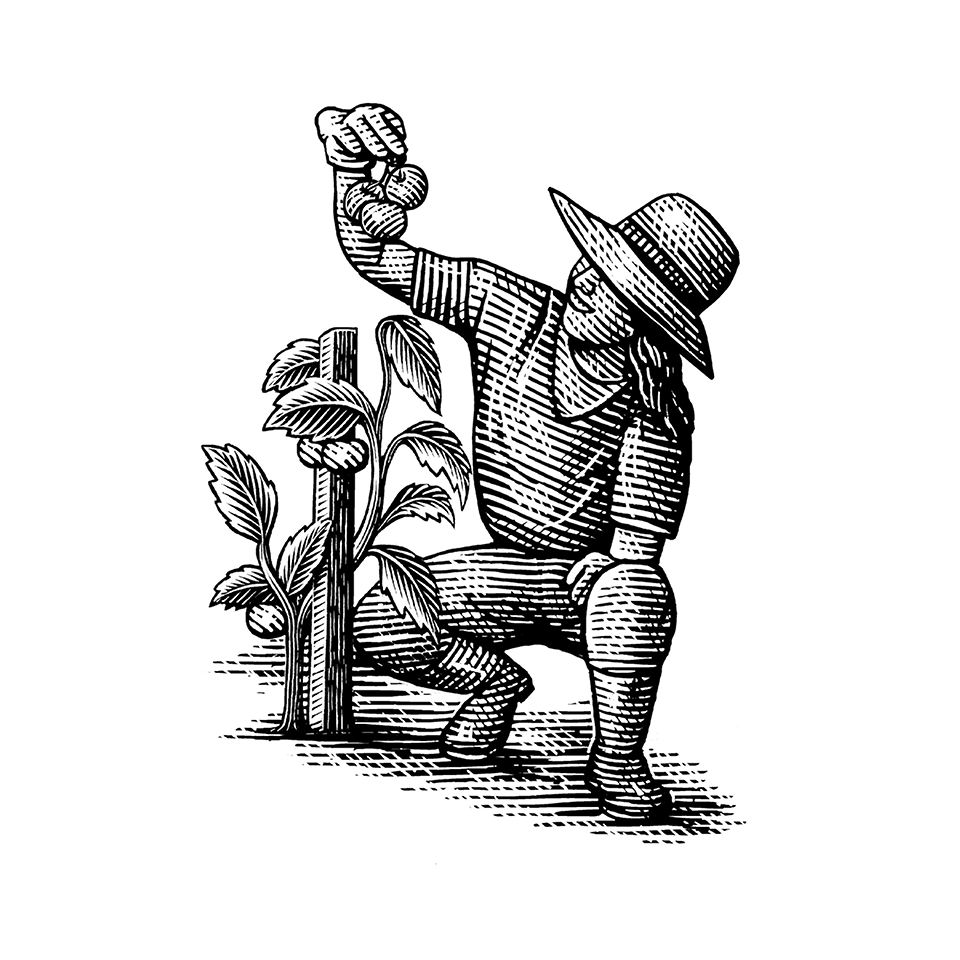
Contains the full set of illustrations for use only where the illustration is darker than the surrounding background.
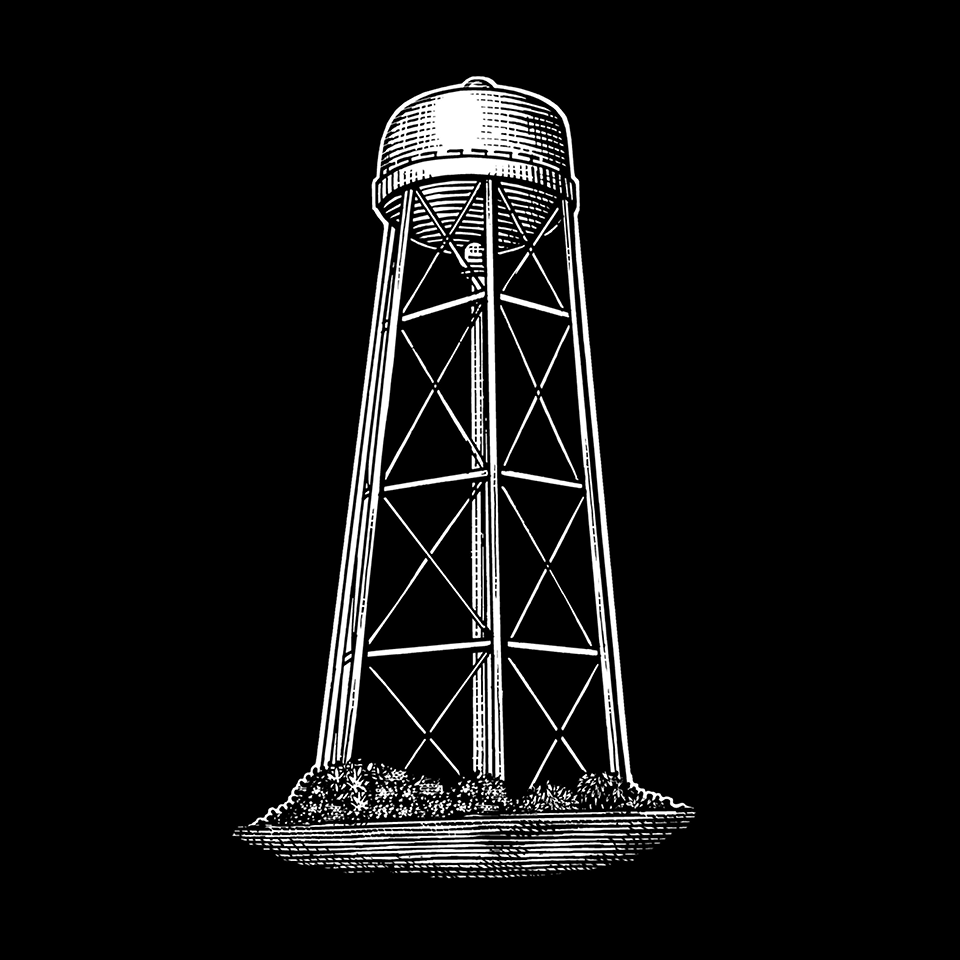
Inverted
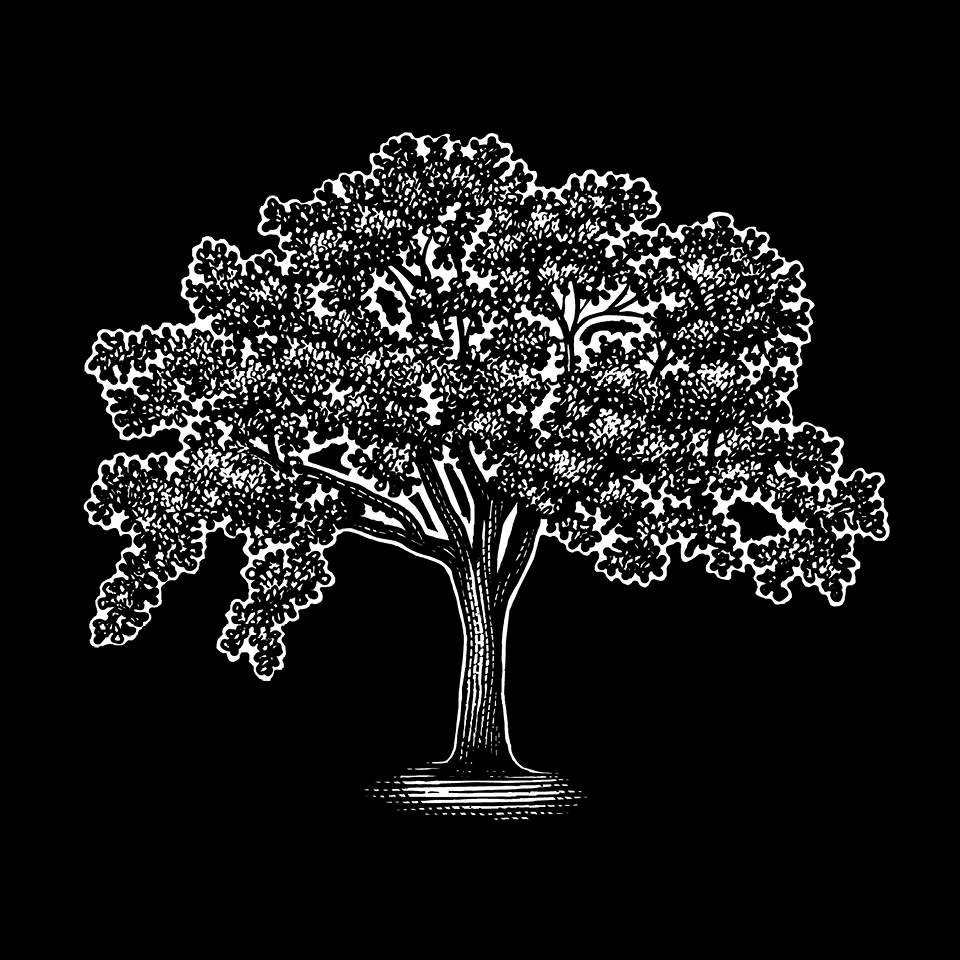
Contains a selected set for cases where the illustration is lighter than the surrounding background. If an illustration in this collection also has a version in the standard collection, use this version only in inverted situations. (See the “How To” section below for further usage guidance.)

Color
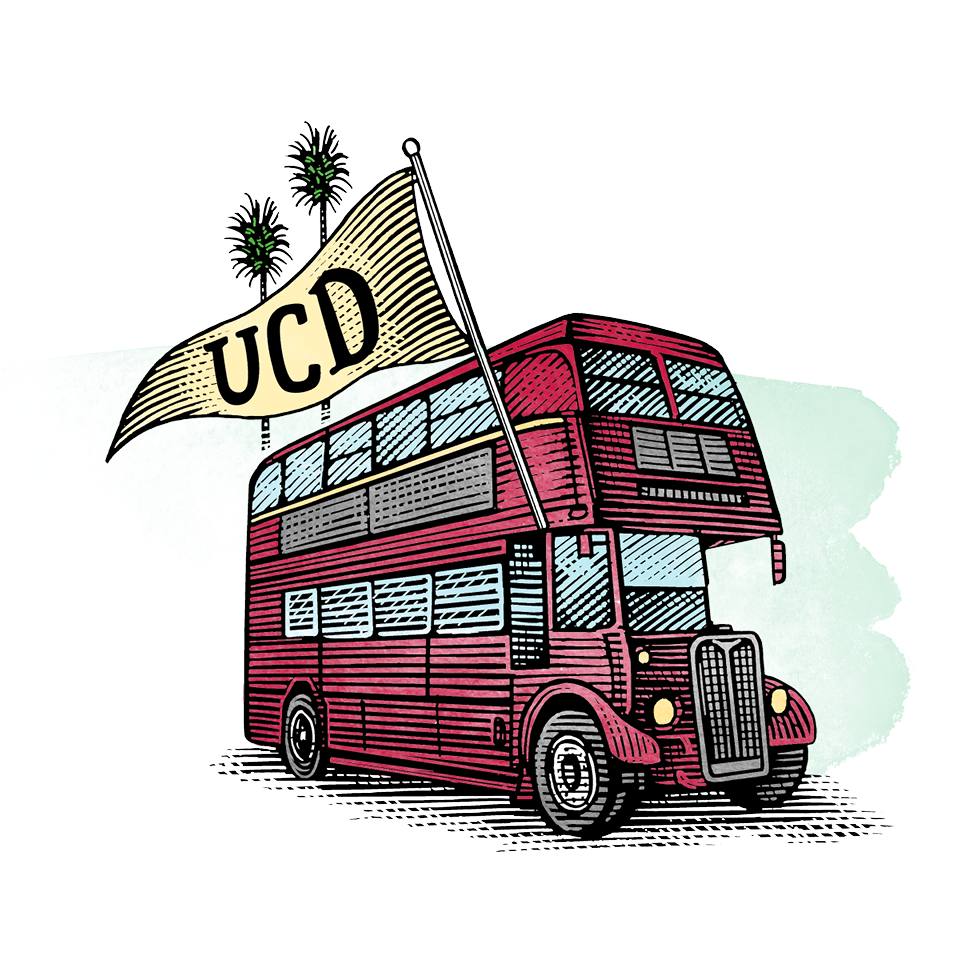
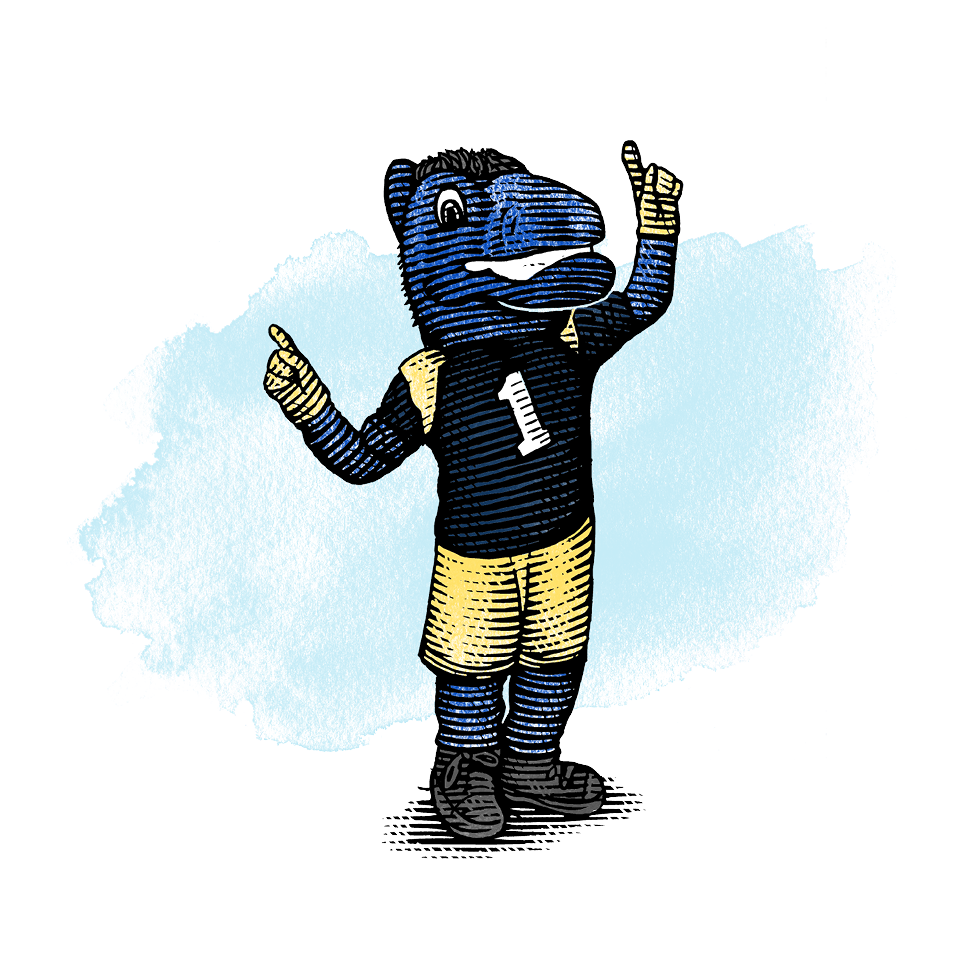
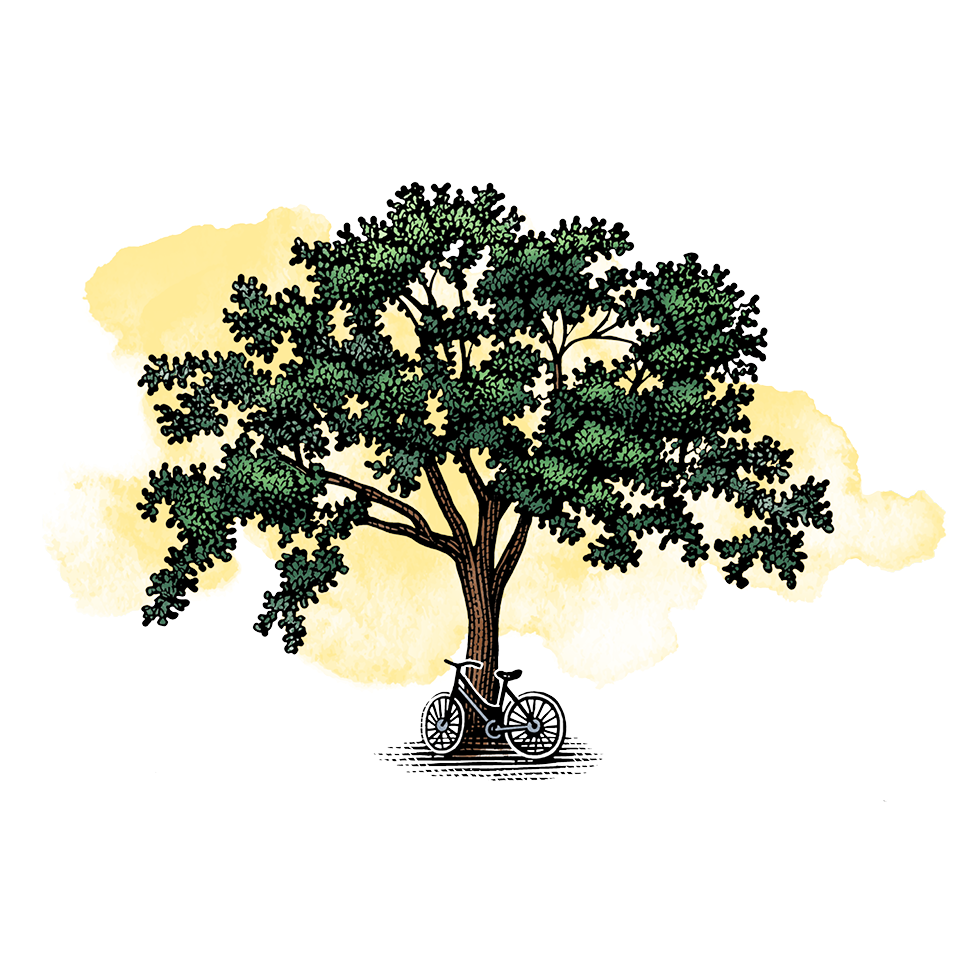
Contains a selected set using watercolor brush fills from the brand color palette.
Landscapes
Use them only in the "standard" way detailed below, never inverted.
Original Davis Campus Landscape
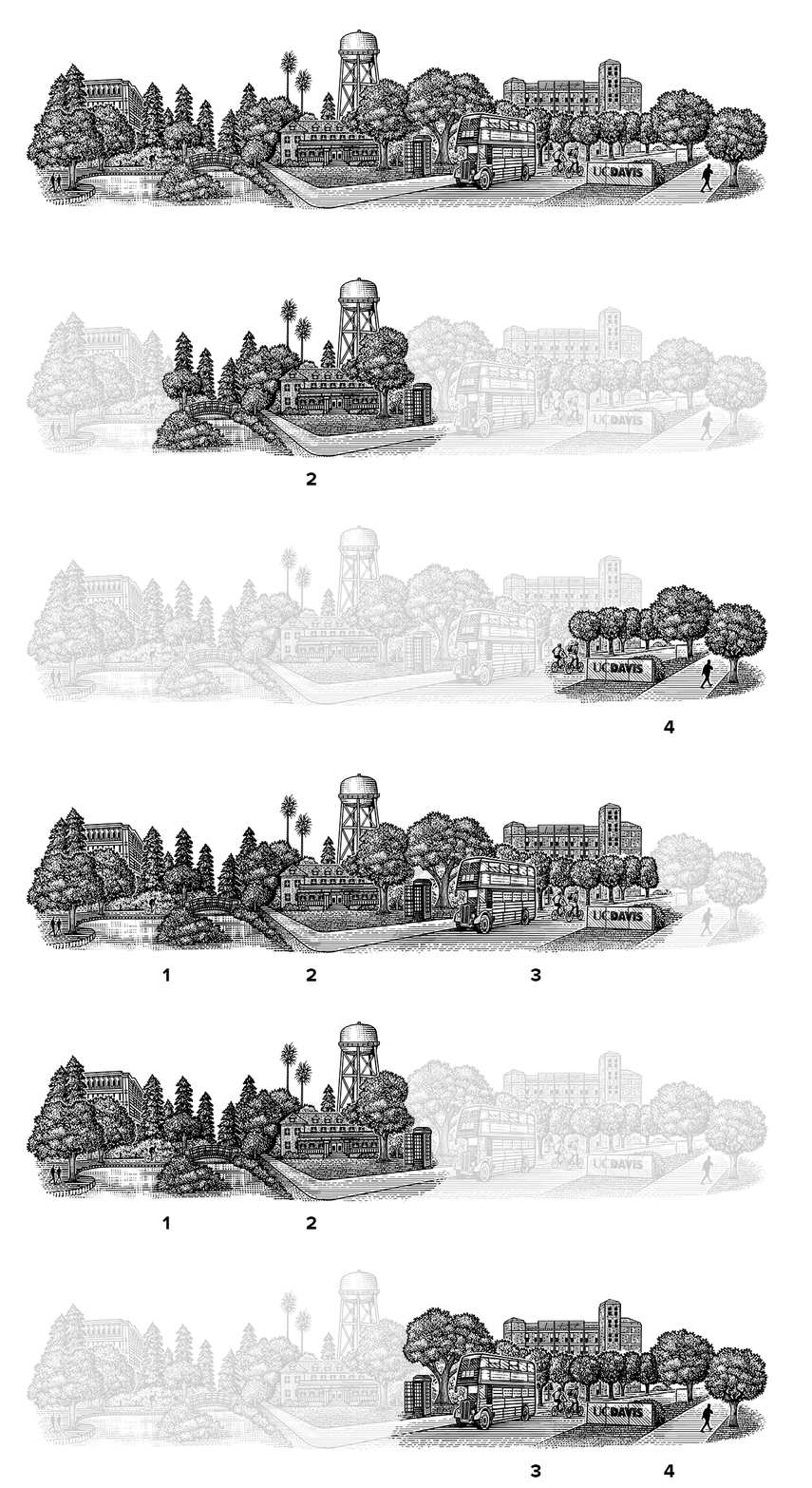
Landscapes (available in black & white and in color) incorporate the Davis campus’ most recognizable sites. Please note the collection does not reflect actual campus geography. It’s more like a collage. A college collage.
Section 1 = Mrak, Lake Spafford, Arboretum Waterway
Section 2 = Arboretum Waterway, North Hall, Water Tower, Phone Booth
Section 3 = Phone Booth, Double Decker Bus, Memorial Union, Wall sign
Section 4 = Wall Sign and Walkway
Need something narrower than the whole landscape? It is also available in simple subdivisions (Sections 1, 2, 3 and 4) and also in contiguous sections (1-2,1-2-3, 2-3, 2-3-4, and 3-4).
Davis-Sacramento Dual-Campus Landscape

This landscape highlights the cross-causeway connection our main Davis campus has with UC Davis Health and Aggie Square. Four iterations are available:
Full Landscape = Includes all elements
Partial 1 = Davis campus, causeway, capitol, and Aggie Square
Partial 2 = Davis campus, causeway, Tower Bridge and the UC Davis Medical Center
Partial 3 = Davis campus, Tower Bridge and Aggie Square
Student Housing and Dining Landscape

This landscape highlights facilities from housing and dining on campus. Four iterations are available:
Full Landscape = Includes all elements
Partial 1 = Latitude dining, California Coffee and the Silo
Partial 2 = Silo
Partial 3 = Tercero housing
How To Use Standard vs. Inverted Illustrations
Ex. 1 (Standard)
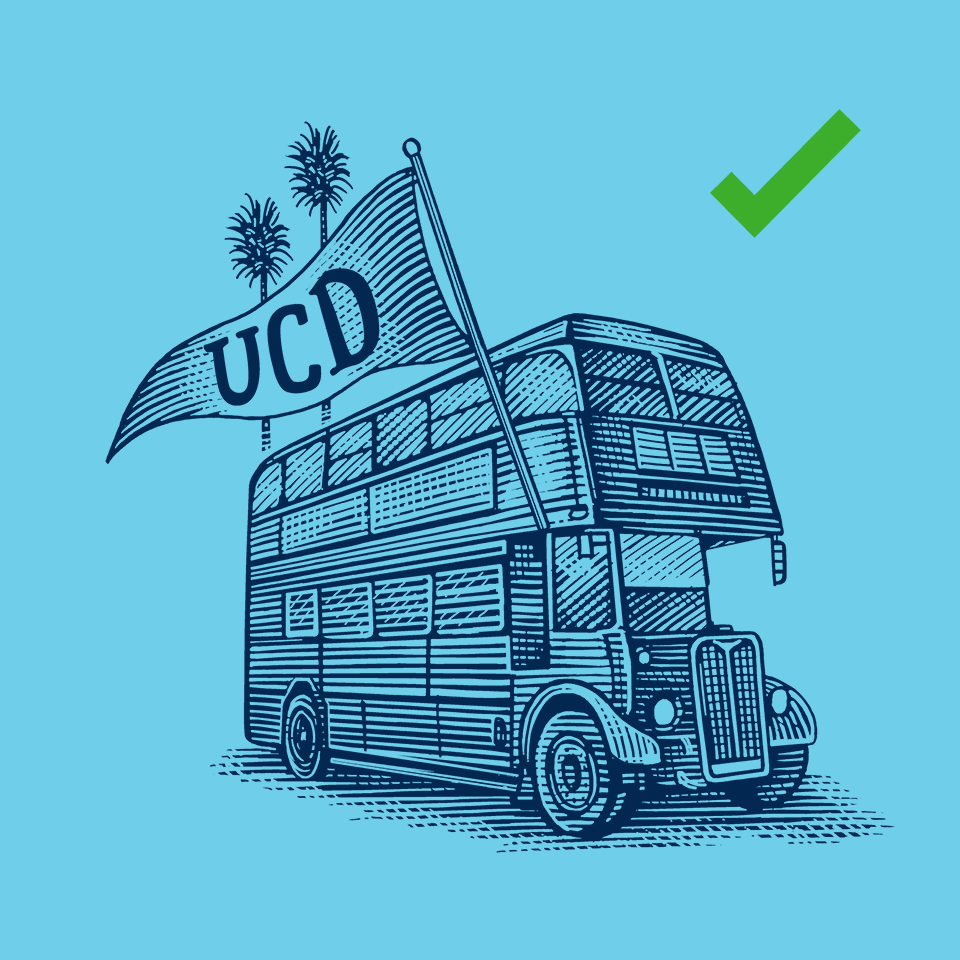
Use the standard illustration when the illustration's value is darker than the background.
Ex. 2 (Inverted, incorrect)
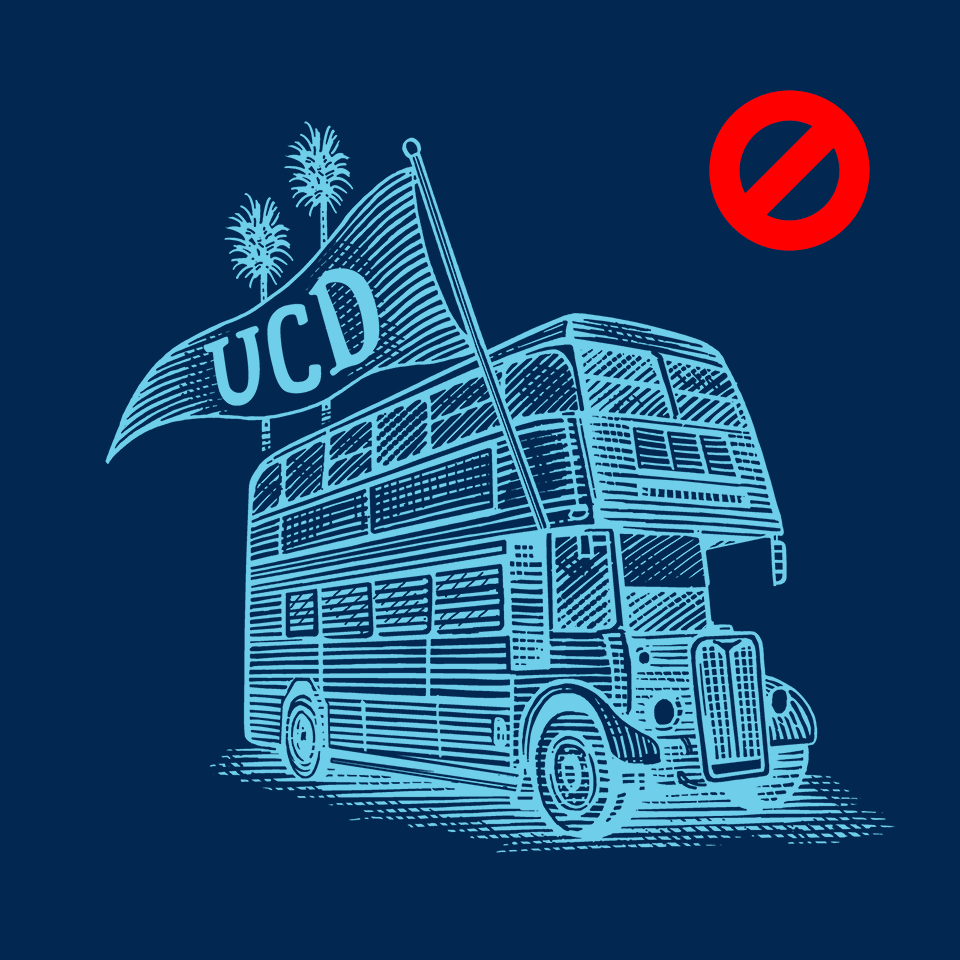
Here the colors from Example 1 are merely inverted, causing an unintended “X-ray effect” where normally light elements, such as the bus windows, have turned dark, and vice versa.
Ex. 3 (Inverted, correct)
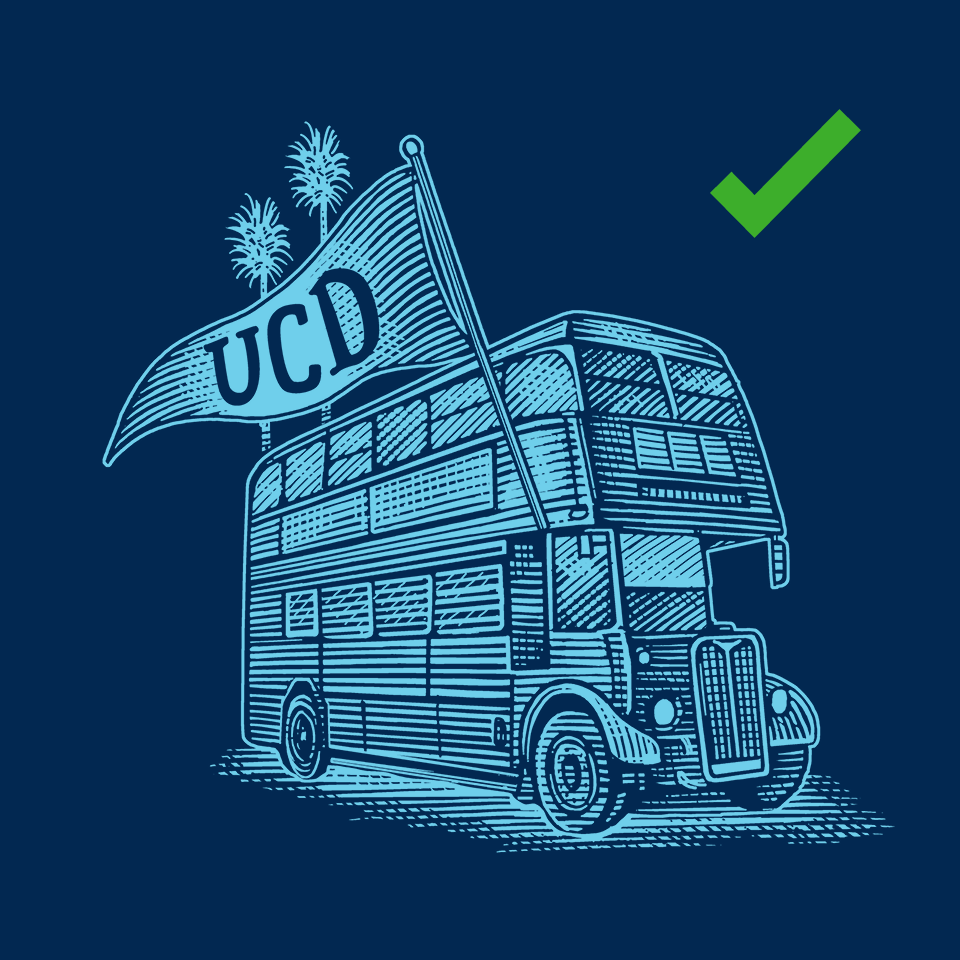
Instead, use the inverted version when the illustration's value is lighter than the background. Note this is a different drawing from the standard version.